Autodesk Maya 2027 - 1 Year Subscription | Official License
Package include; Setup ISO File (shared through Google Drive) Official 1-Year Subscription on Your Own Email Online Installation service through Teamviewer
- File Size: 4.5 GB
Product Overview
Autodesk Maya 2027 - 1 Year Subscription
Autodesk Maya 2027 is a professional 3D animation, modeling, simulation and rendering solution for artists, animators, game developers, VFX studios and creative teams. Build detailed characters, create cinematic animation, design complex 3D worlds and render high-quality visuals for production workflows.
- Character Animation
- 3D Modeling
- VFX & Simulation
- Arnold Rendering
- Smart Bevel Tools
- USD Workflows
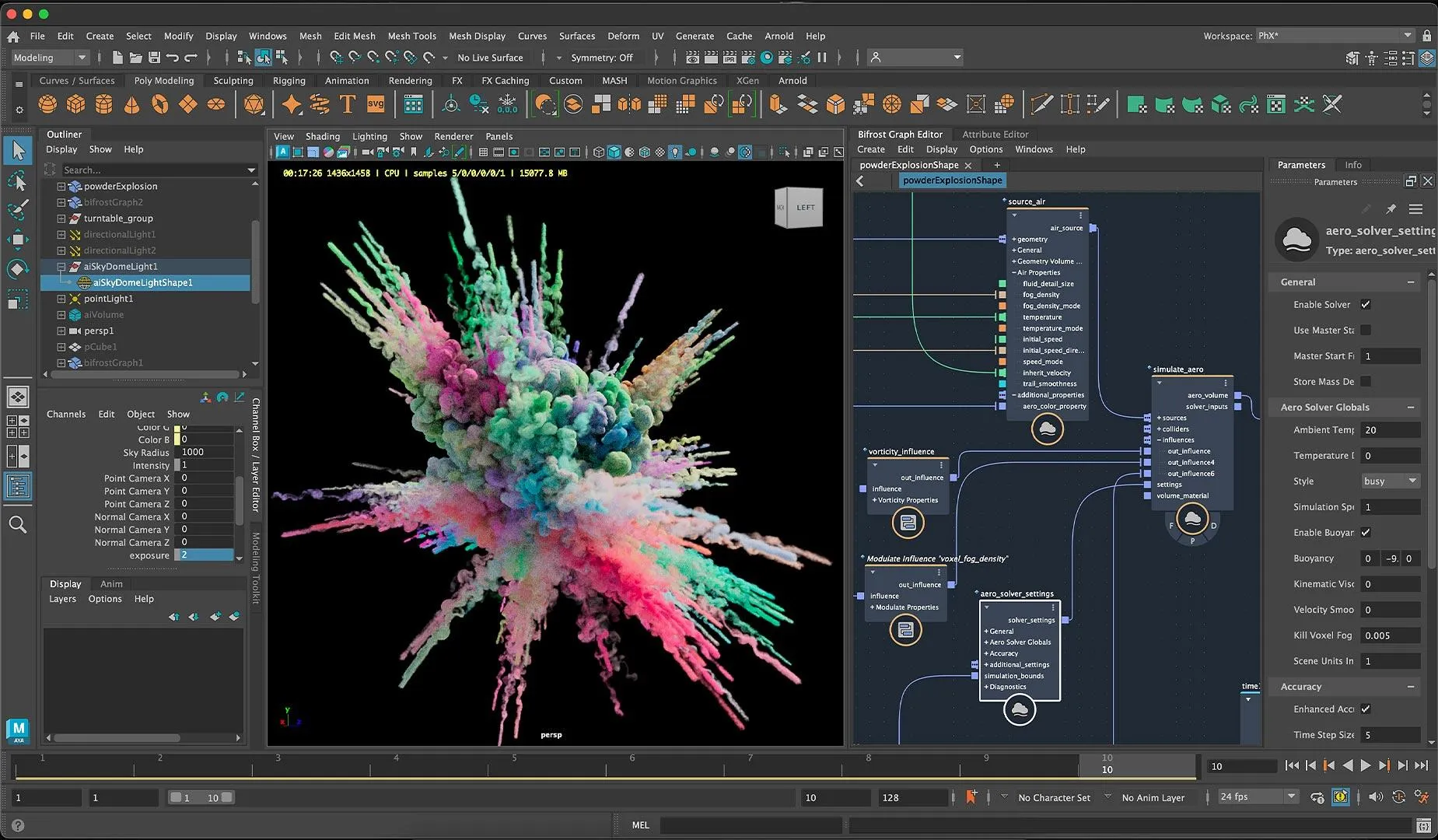
Professional 3D Animation Software for Creative Production
Maya is used for creating 3D characters, animated scenes, game assets, motion graphics, product visuals, cinematic sequences and visual effects. It brings together modeling, rigging, animation, simulation, look development and rendering tools in one production-focused environment.
This page is suitable for your product listing: Autodesk Maya 2027 - 1 Year Subscription | Official License. It is written for customers who need a clear explanation of Maya, what it is used for and why it is helpful for professional 3D work.
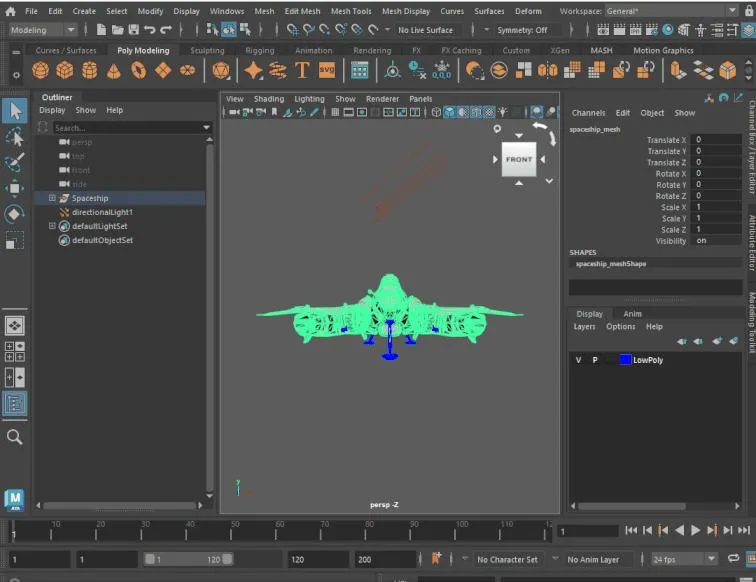
Create Characters, Props, Environments and Assets
Maya gives artists flexible modeling tools for building detailed characters, props, vehicles, product concepts, stylized assets and complete 3D environments. It is useful for both realistic and cartoon-style production.
- Polygon Modeling
- Hard Surface Assets
- Environment Creation
- Smart Bevel Workflow
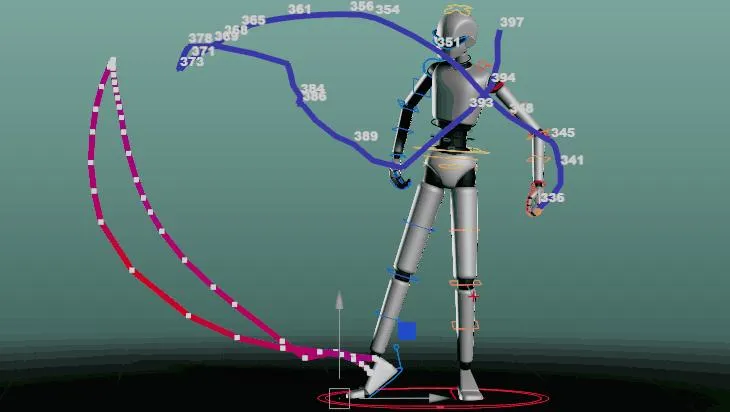
Bring Characters and Scenes to Life
Maya is known for powerful animation tools. Artists can rig characters, animate performances, adjust timing in the Graph Editor, create camera shots and prepare professional sequences for games, films, ads and social media videos.
- Character Rigging
- Graph Editor Tools
- Sequencer Workflow
- Playblast Output
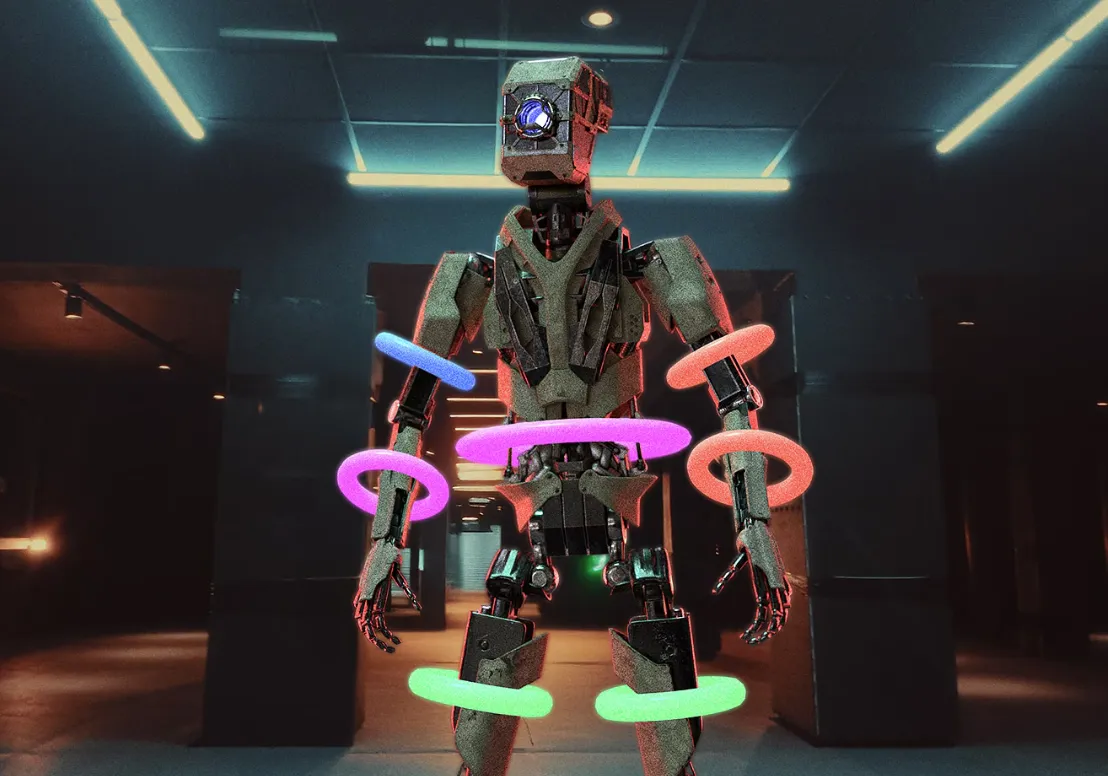
Effects, Motion Graphics and Bifrost Workflows
Maya supports visual effects workflows for dynamic scenes, motion graphics, particles, liquids, environmental effects and complex simulations. Maya 2027 also includes Bifrost updates for more advanced effects work.
- Bifrost Effects
- Motion Graphics
- Rigid Body Dynamics
- Small-scale Liquid Effects
Look Development, Lighting and Arnold Rendering
Use Maya for lighting, shading, material setup, look development and final rendering. Arnold for Maya helps artists produce high-quality character renders, product shots, environments and cinematic frames.
- Arnold Renderer
- Lighting & Shading
- LookdevX Workflow
- Production Rendering
Main Features of Autodesk Maya 2027
- 3D Modeling Tools
- Character Rigging
- Animation Timeline & Graph Editor
- Integrated Layer-based Skin Tools
- Smart Bevel for Cleaner Modeling
- Sequencer Workflow Updates
- USD Asset Build Workflows
- LookdevX for Maya Updates
- Bifrost 3 Simulation Updates
- Arnold for Maya Rendering
Recommended System Requirements
| Operating System | Windows 11, supported macOS versions, or supported Linux distributions recommended |
|---|---|
| Processor | 64-bit Intel or AMD multi-core processor recommended |
| Memory | 16 GB RAM minimum for light work, 32 GB or more recommended for professional 3D scenes |
| Graphics | Dedicated GPU recommended for viewport performance and complex scenes |
| Storage | SSD recommended for faster loading, caching, saving and project handling |
| Internet | Required for subscription access, account sign-in, activation and updates |
Need Autodesk Maya 2027 Official License?
Confirm availability, delivery method, subscription details and installation support before payment.
Why Buy Autodesk Maya Subscription from SoftwaresPlanet?
Fast Digital Delivery
Product details are shared after order confirmation with support guidance where available.
Installation Assistance
Video guide and remote setup through TeamViewer or AnyDesk may be available depending on product option.
Activation Guidance
Support can guide you with account, subscription or activation-related steps after confirmation.
Customer Support
Ask product questions before payment and get help after delivery.
Frequently Asked Questions
What is Autodesk Maya used for?
Maya is used for 3D modeling, animation, rigging, simulation, rendering, VFX, game assets and cinematic production.
Is Maya good for character animation?
Yes. Maya is widely used for character rigging and animation workflows in games, films, TV, ads and digital content production.
Does Maya include rendering tools?
Yes. Maya includes rendering workflows with Arnold for Maya, plus tools for lighting, shading and look development.
Is installation support available?
SoftwaresPlanet can provide guidance, video installation help or remote installation where available.
Related Software

Autodesk Civil 3D 2024 - 1 Device Product Key - 3 Years
View details
3DS Studio Max 2020 with Video Installation Guide
View details
AutoCAD 2021 with Video Installation Guide
View details
3DS Studio Max 2025 - 1 Device Product Key - 1 Year
View details